Remove internal packaging carefully
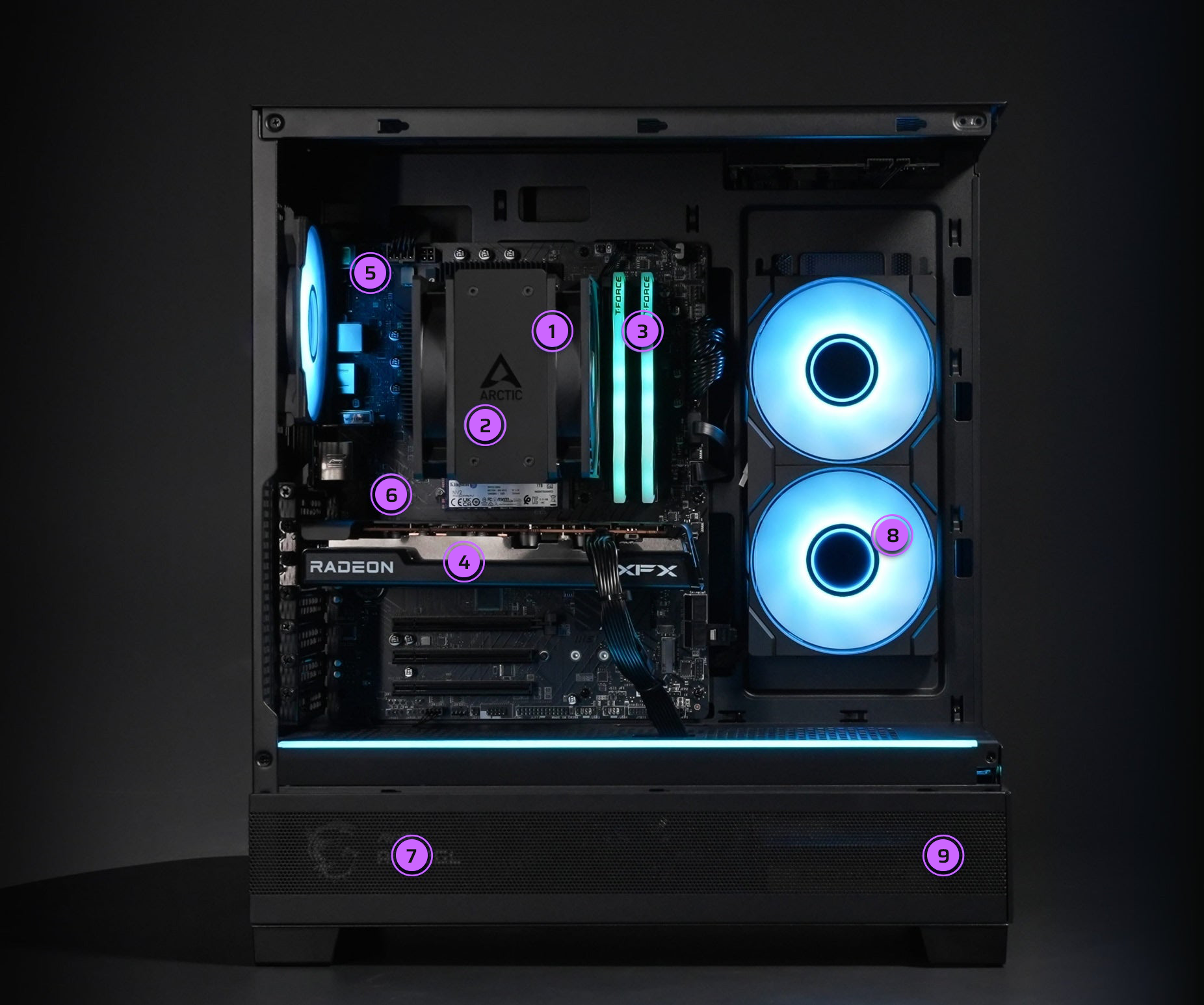
Open the case and gently take out any protective foam. It may cling to cables or connectors — remove it slowly while supporting nearby parts.
Keep all packaging for possible returns or warranty service.
If you didn’t keep it, we can supply replacement packaging.Inspect for shipping damageEvery system is tested before it leaves us, but rough handling in transit can cause issues.
Check the case, glass panels, and internal parts for damage.
If you find broken glass, avoid handling shards without protection. Contact Customer Care right away.
Connect your peripherals
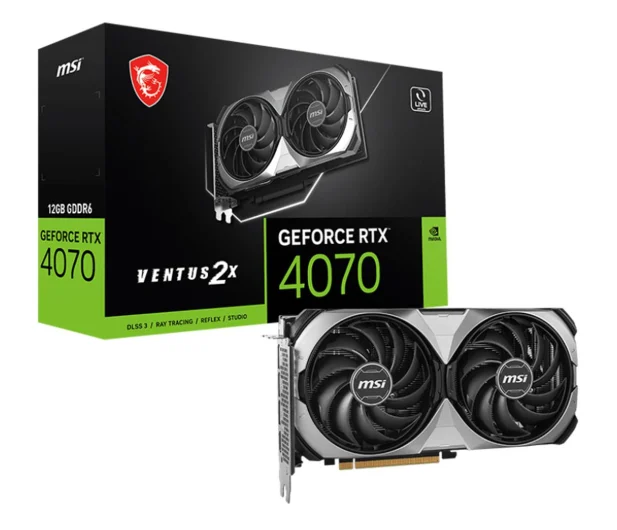
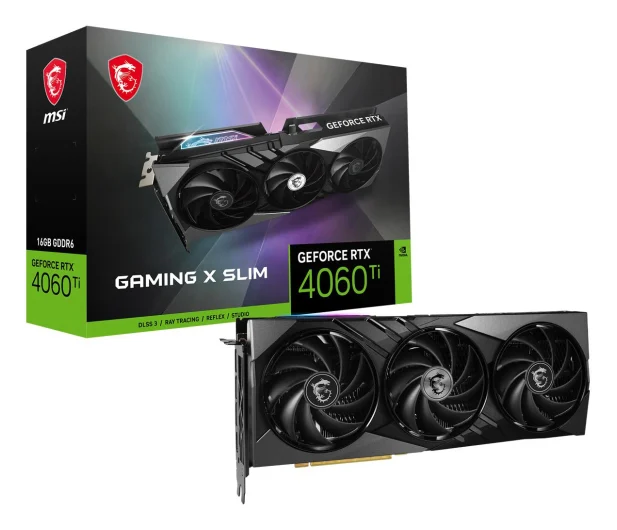
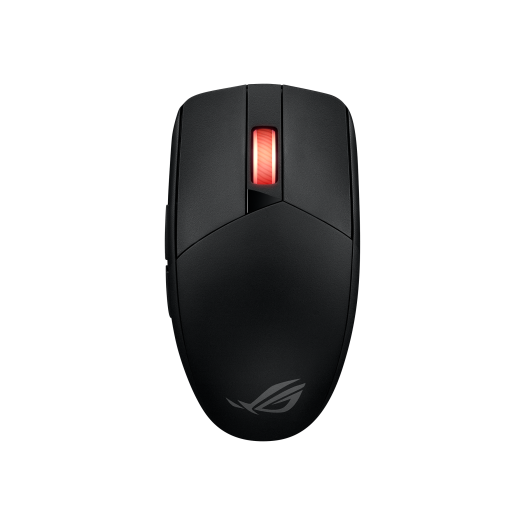
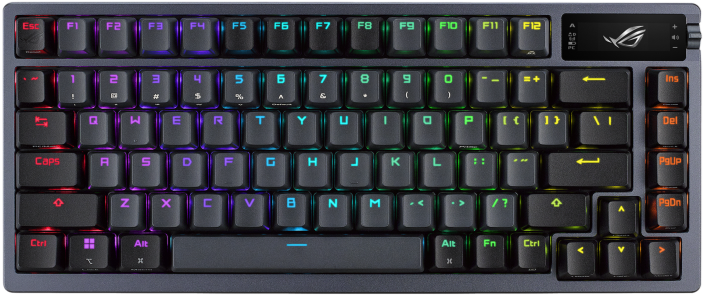
Plug your monitor, keyboard, mouse, and other devices into the correct ports. Make sure your display cable goes into the graphics card (horizontal ports in the middle of the case) — not the motherboard’s vertical ports — to ensure full gaming performance.
Power up correctly
Use the power cable included with your PC. Switch the power supply to the I position before turning it on. The switch is usually near the wall plug at the back of the case.
Start gaming
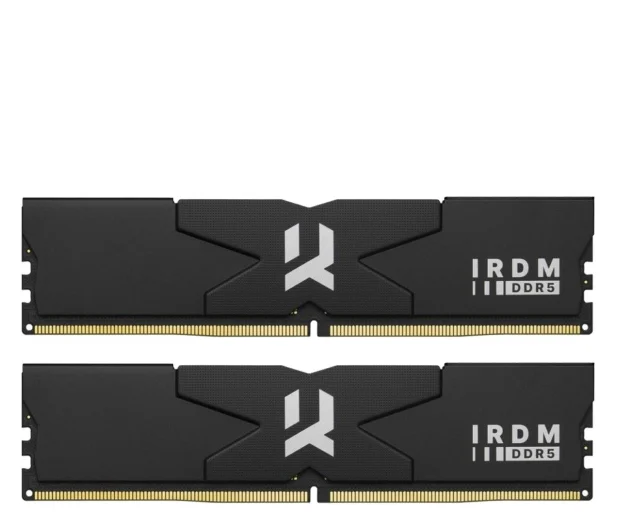
Your PC comes with Windows activated, drivers installed, RGB software configured, and XMP enabled. It’s been fully tested and benchmarked — you’re ready to jump straight into gaming.